Music-Driven Visuals
Plan short scenes around your song’s mood and rhythm. Audio-first generation is Coming Soon.
Turn your music ideas or songs into short AI music videos with striking visuals, dynamic scenes, and a creative music video feel.
Preview · Live generation is Coming Soon.
 VISUAL PREVIEW01
 02
 03
 04
 05
A short music video starts with your song and a clear creative direction.
Export or link your track. Audio is required for the primary workflow.
Add optional scene notes, choose a visual direction, and plan an aspect ratio.
Short clips, about 2–20 seconds, are Coming Soon. This preview creates no video.
When available, review drafts and try new scene notes for hooks and teasers.
An audio-first creative workflow for short music video concepts.
Plan short scenes around your song’s mood and rhythm. Audio-first generation is Coming Soon.
Text-only video is not supported. Scene notes can guide an audio-first concept.
Explore cinematic, hip-hop, anime, indie, and futuristic visual directions.
Describe settings, actions, and visual ideas for a cohesive short clip.
Plan for desktop (16:9), short video (9:16), or social posts (1:1).
A short-form workflow for hooks, social teasers, and concept tests when live.
 SCENE CONCEPT
Let your song lead. Plan visuals that follow the mood of your hook or beat, from performance scenes to short social teasers.
Try Music to Video COMING SOON
Text-to-video prompts are Coming Soon. Today’s flow starts with audio; optional scene notes guide an audio-first idea.
Text to Video · Coming SoonExplore cinematic and hip-hop looks, softer indie moods, anime, and futuristic stage concepts for your next short clip.
Explore Styles & IdeasGet inspired by scene ideas for different styles and moods.
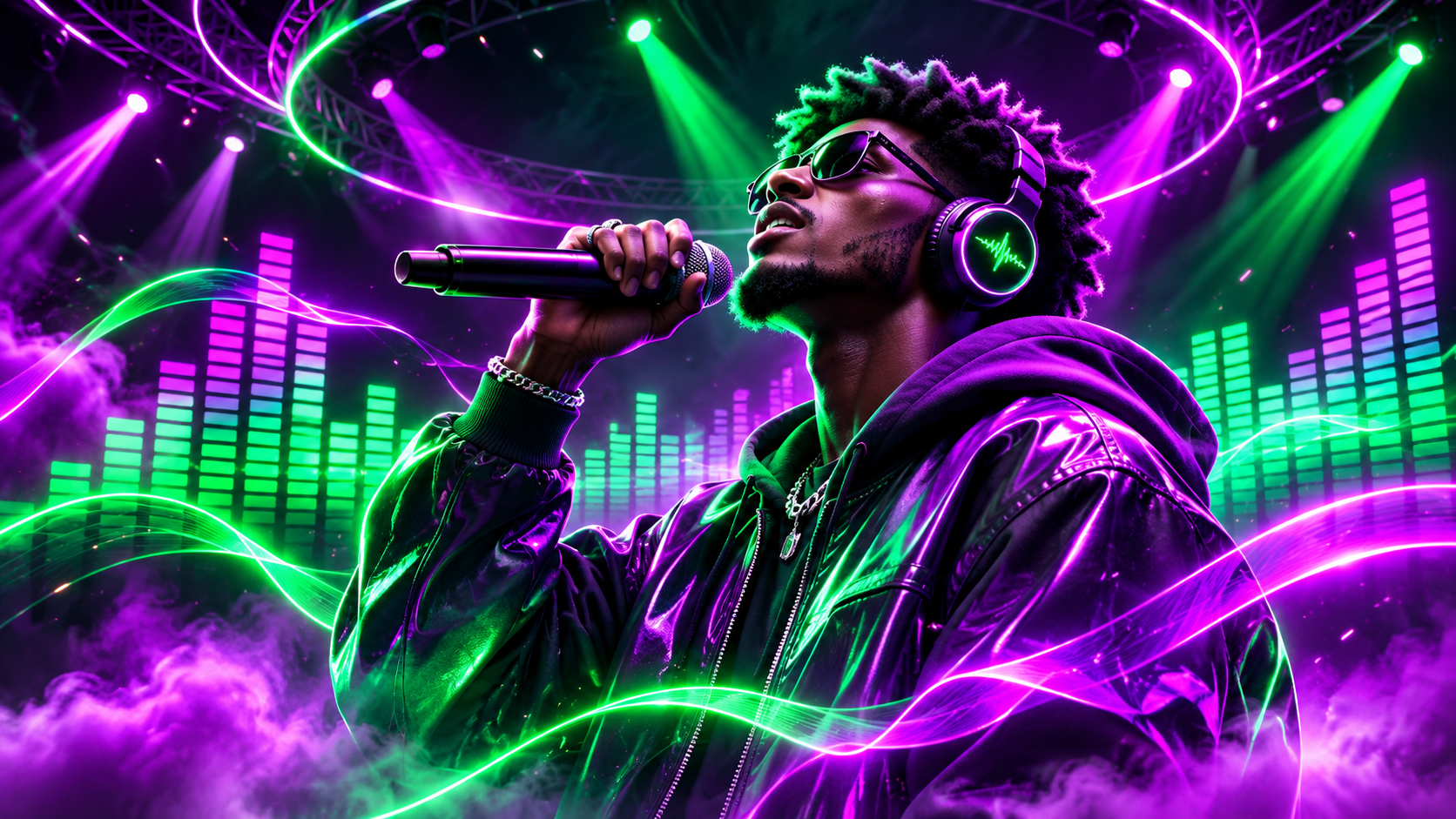
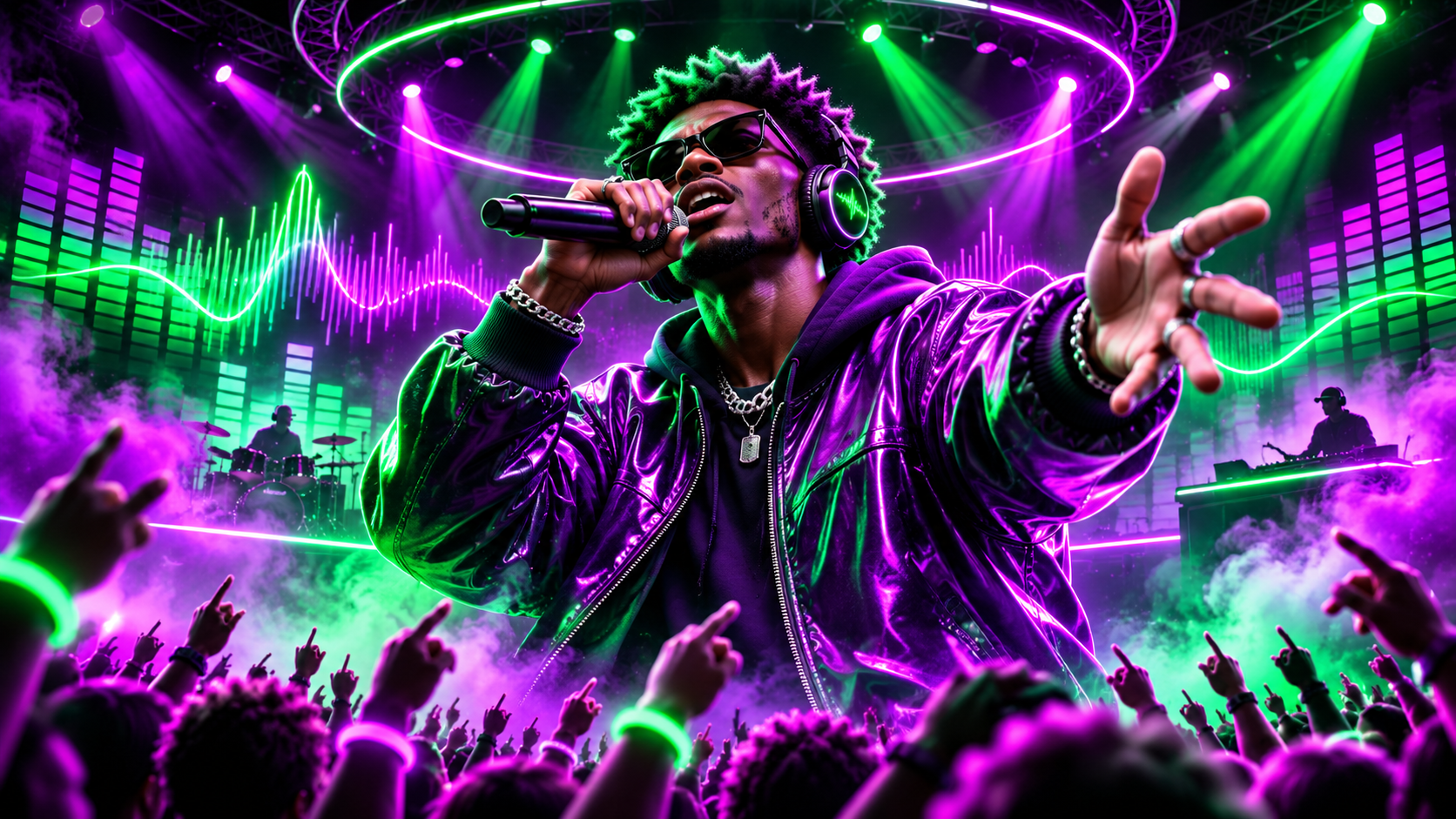
SCENE PREVIEW“A confident rapper on a neon city stage, dramatic lighting, cinematic camera moves.”
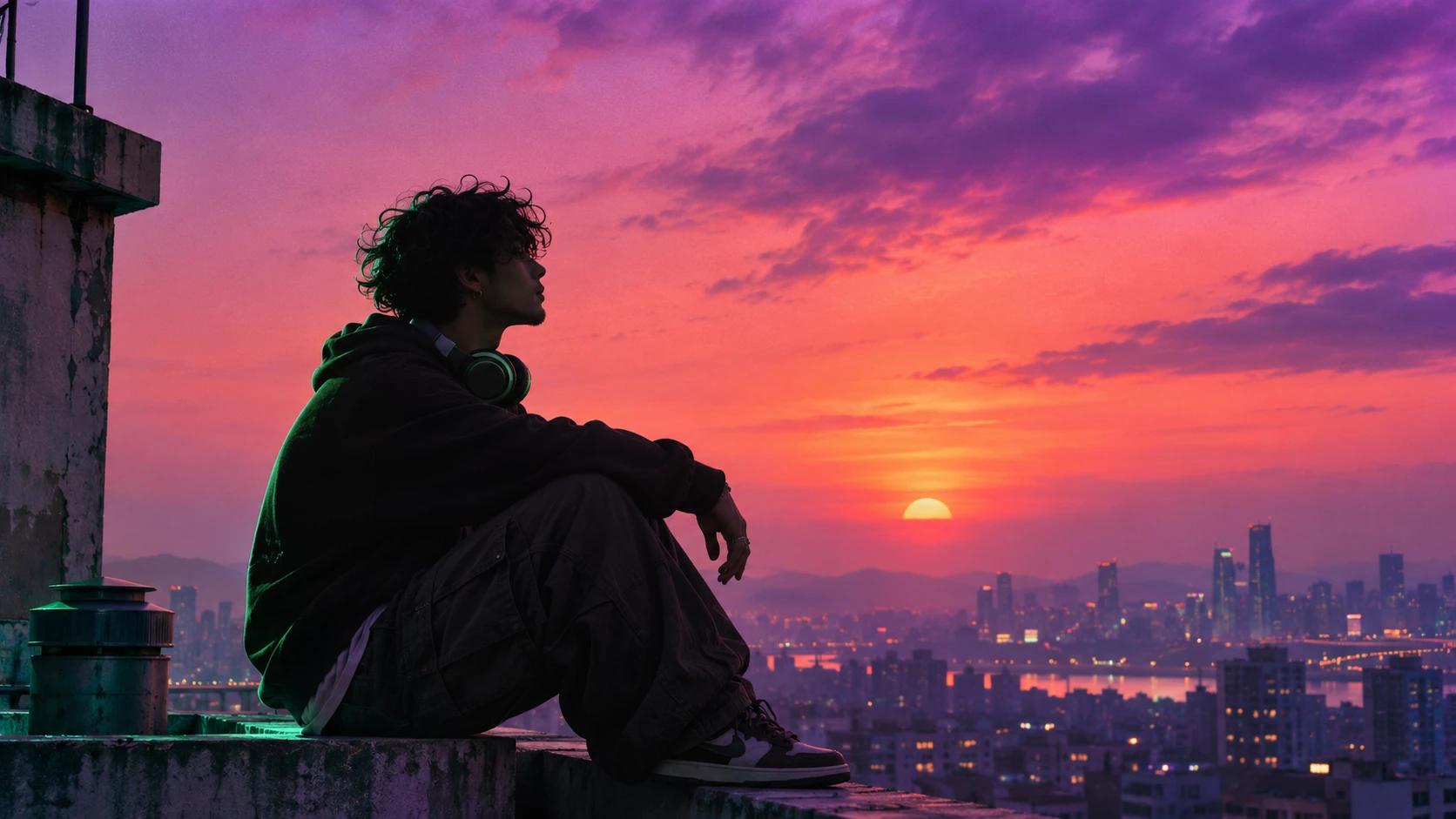
SCENE PREVIEW“A dreamy rooftop at sunset, wide city views, soft colors, and a nostalgic vibe.”
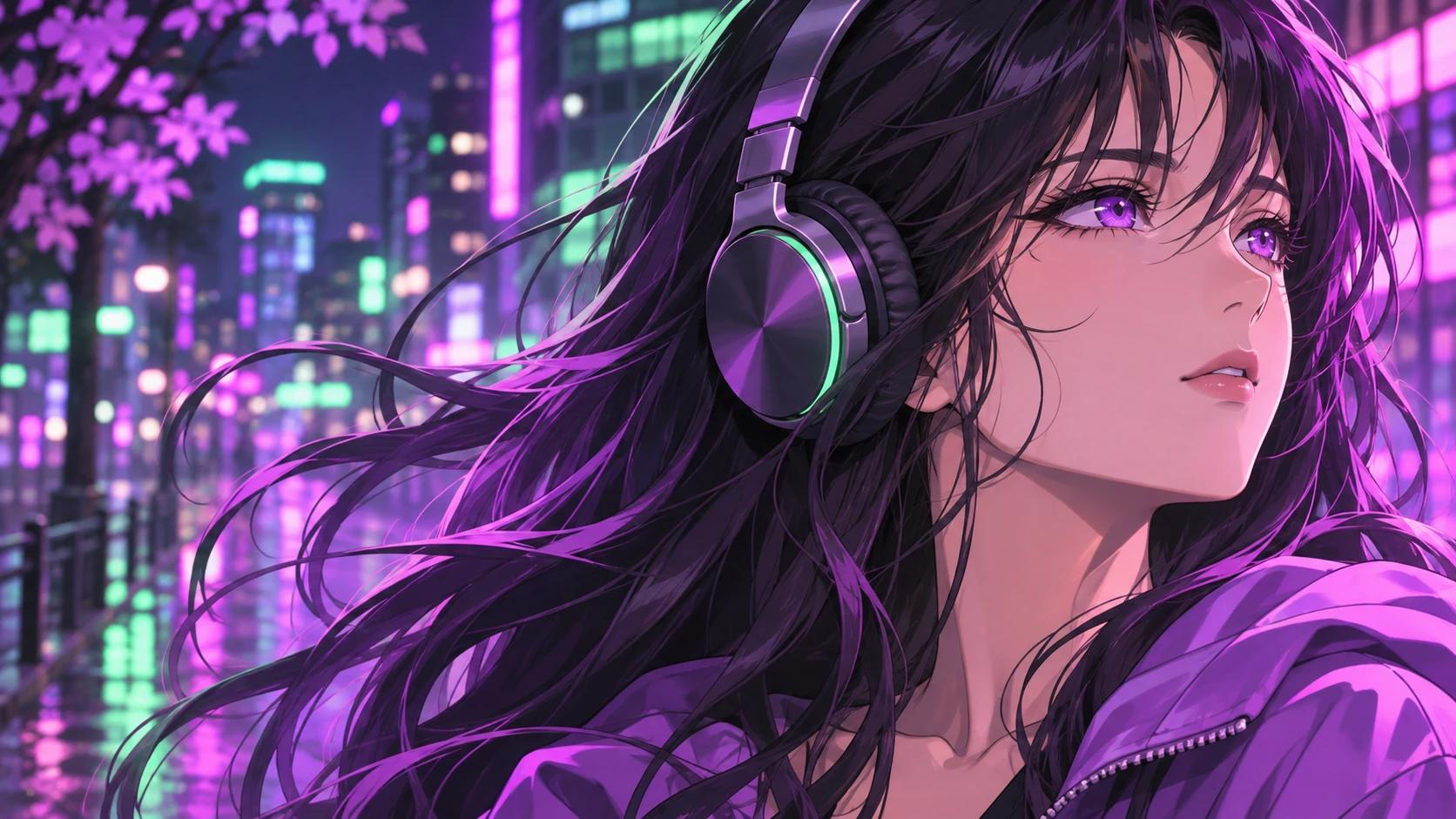
SCENE PREVIEW“A stylized anime music scene with expressive characters, neon lights, and dynamic motion.”
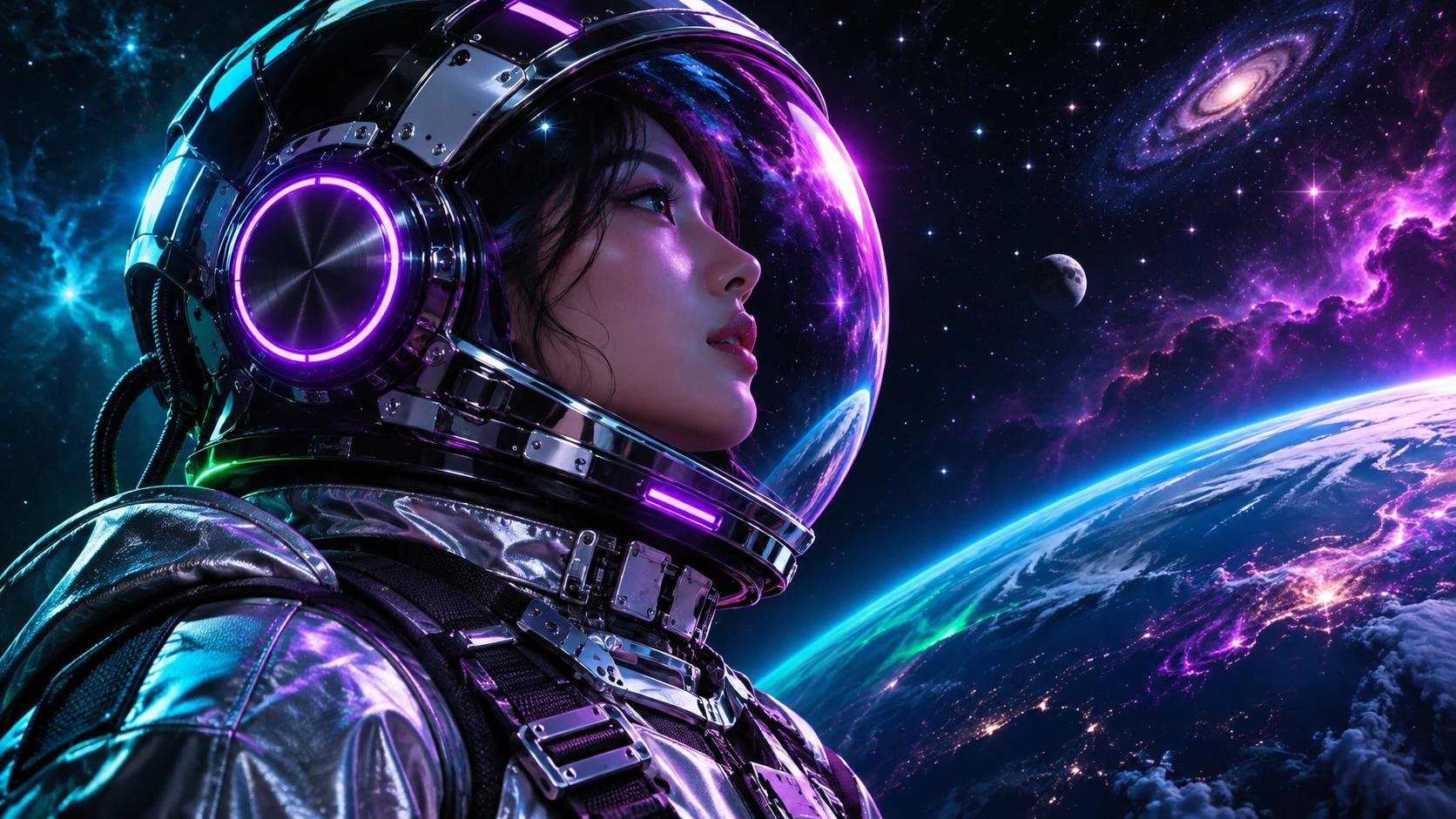
SCENE PREVIEW“A futuristic music video in space with neon visuals, digital effects, and surreal environments.”
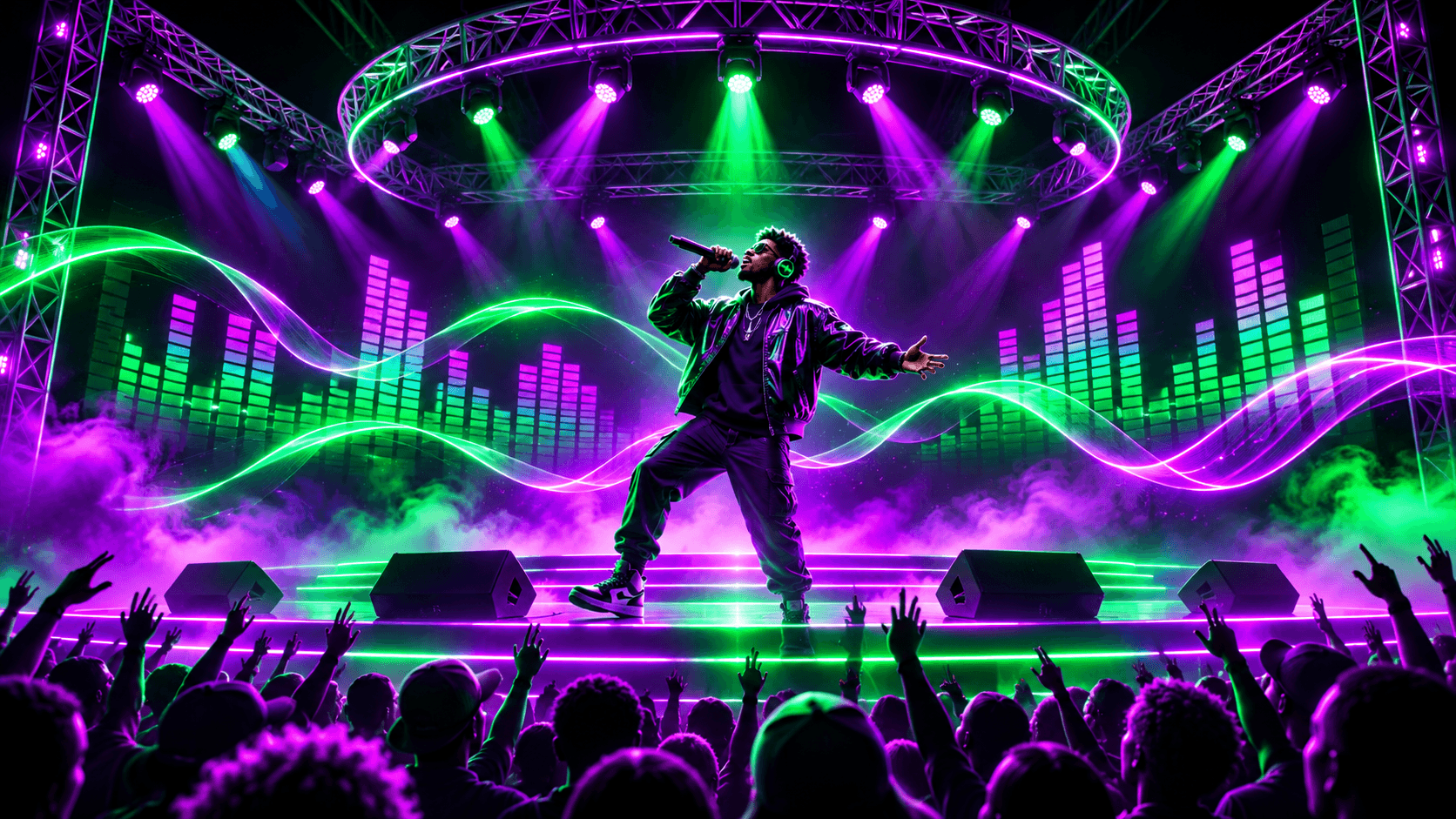
SCENE PREVIEW“A live performance-style video with a stage, lights, and an energetic crowd.”
Examples for planning — not a live text-to-video studio. Pair scene notes with audio when generation becomes available.
This AI music video generator helps you turn existing music into a short visual clip. It is built for creators who already have a song, or a draft from our rap generator, and want a quick visual for social teasers, hooks, or concept tests.
This is not a full-length official music video pipeline, a lip-sync accuracy product, a verified “Hollywood quality” renderer, or a live text-to-video studio. Full-song stitching and cinematic-grade certification are not included in current claims.
Music-to-video means the song leads. Visuals follow the audio you provide. Use a clean cut of the hook or drop you care about, keep the idea focused on a short teaser, and iterate when live. One generation should not be expected to cover an entire track.
These are experimental short-clip directions, not verified premiere-quality results.
These optional style and scene notes are intended to pair with audio when live. They do not demonstrate working text-to-video generation.
Text-only or prompt-only video is not supported in the current product. The form’s scene field provides optional direction for an audio job; it does not create video from text alone.
Your song. Your vision. Start planning a short music video with VerseStage.
Explore the Video Preview Live generation is Coming Soon. No finished video is created.